
- HP L2045w 20" LCD Monitor User Guide
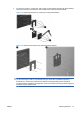
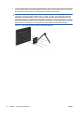
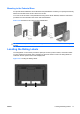
Table Of Contents
- Product Features
- Safety and Maintenance Guidelines
- Setting Up the Monitor
- Operating the Monitor
- Troubleshooting
- Technical Specifications
- Agency Regulatory Notices
- LCD Monitor Quality and Pixel Policy
Mounting to the Pedestal Base
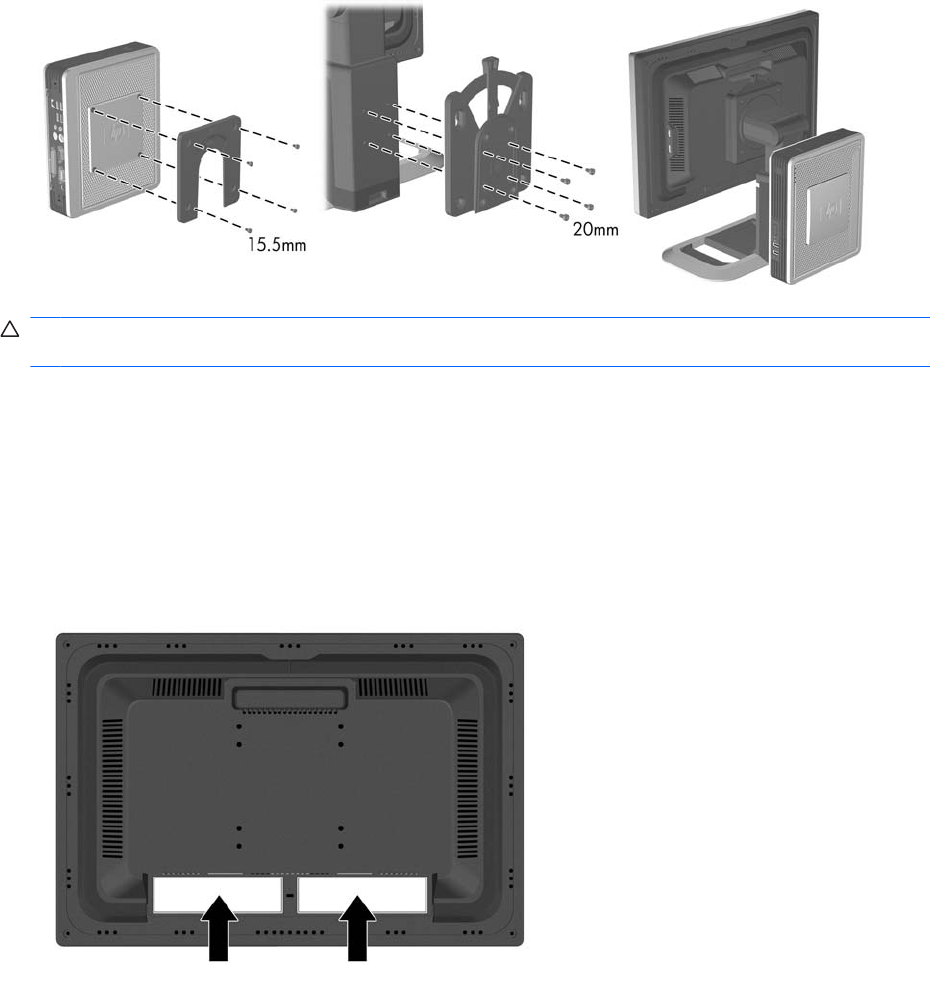
An optional HP Quick Release can be attached to the pedestal base. It allows you to quickly and securely
attach some models of the HP thin client to the monitor.
To mount an HP thin client to the pedestal base using the HP Quick Release, follow the instructions
provided in the documentation that comes with Quick Release.
Figure 3-18 Mounting a Thin Client to the Pedestal Base
CAUTION: It is important to verify that the weight of the thin client does not affect the stability of the
monitor.
Locating the Rating Labels
The rating labels on the monitor provide the spare part number, product number, and serial number.
You may need these numbers when contacting HP about the monitor model. The rating labels are
located on the rear panel of the monitor display head.
Figure 3-19 Locating the Rating Labels
ENWW Locating the Rating Labels 17