HP LaserJet Enterprise Flow MFP M830 - User Guide
Manuals
Brands
HP Manuals
Print & Scan
L3U65A
51
52
53
54
55
56
57
58
59
60
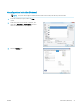
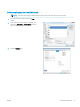
7.
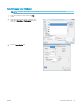
Select the op
tion for the type of paper you ar
e
using, and then click the
OK
butt
on.
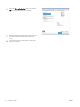
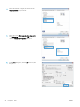
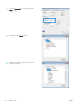
8.
Click the
OK
button t
o close the
Document
Properties
dialog bo
x. In the
Print
dialog bo
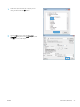
x, click
the
OK
button t
o print the job.
ENWW
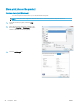
Print tasks (Windows)
47
1
...
...
55
56
57
58
59
...
...
200