
HP Designjet 4000 Printer Series - Setup instructions


11
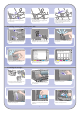
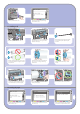
A larger socket is provided to connect an optional
accessory. Caution: do not attempt to use this
socket for any other purpose.
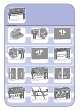
Pass the LAN cable through the hook at the rear
of the printer.
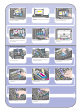
Your printer can be connected to a computer
directly or to one or more computers via a
network.
Printer Server PC, Macintosh
or workstation
PC, Macintosh
or workstation
Locate the area at the back of the printer where
you can connect the printer to your computer or
network, or install an optional accessory.
A Fast Ethernet socket is provided for connection
to a network. Two FireWire sockets are provided
for direct connection to computers.
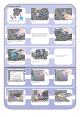
Now you have completed the assembly of your
printer. The following pages describe how to
configure your computer for successful printing.
13 Hardware setup