
HP LaserJet MFP - Configuring Embedded LDAP Authentication

configure - 7
Step 2: Setting up LDP
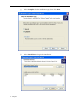
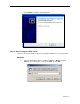
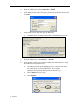
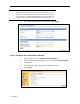
a. Open LDP by clicking on Start → Run, and typing ldp.exe; then press
Enter or click OK.
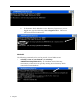
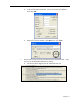
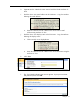
b. From the Ldp menu, select Connection → Connect.
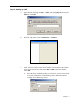
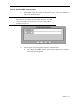
c. In the Connect window, input the IP address or hostname of the LDAP
server in the Server box; then input 389 or 3268 as the Port number.
Click OK.
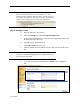
w Port 389 is the standard LDAP port. However, it may be necessary
to use port 3268 when communicating with a Windows Global
Catalog Active Directory Server.