Computer User's Reference Manual
Manuals
Brands
IBM Manuals
Laptop
THINKPAD 600e
111
112
113
114
115
116
117
118
119
120
Using
Passwords
6
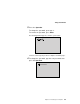
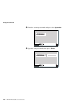
Press
Enter
.
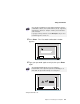
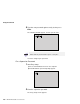
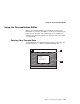
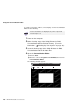
The
“Password
Confirmation”
window
appears:
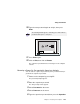
7
Press
Enter
again.
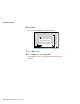
8
Click
on
Exit
;
then
click
on
Restart
.
Your
computer
restarts.
The
power-on
password
has
been
removed.
104
IBM
ThinkPad
600E
User's
Reference
1
...
...
116
117
118
119
120
...
...
191