
User's Manual




Troubleshooting
5-10 OPERATION GUIDE
Duplexer
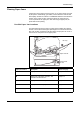
Paper is jammed in the duplex section. Remove the jammed paper using
the procedure given below.
1
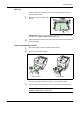
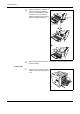
Pull the paper cassette all the way out of the printer.
2
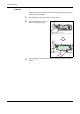
Open the duplexer’s cover and
remove any jammed paper.
3
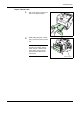
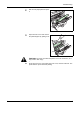
Insert the paper cassette into the slot in the printer. The printer resumes
printing.