
User's Manual

15
7. Calendar
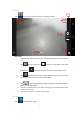
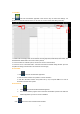
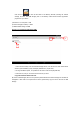
Click and enter the Calendar Application. There are two ways to conduct time settings. It is
possible to synchronize with the Internet; or the User can conduct Time & Date Settings manually.
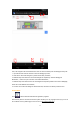
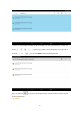
1. Please select the Display Mode for the Calendar including Day Mode, Week Mode, Mouth Mode, and
Schedule Mode. Week Mode is the current mode by default;
2. This is the Menu for Calendar options; click the Icon and turn on /off the Menu;
3. This is the Icon for “Add A New ToDo”. Click here and enter the schedule setting interface. Upon the
completion of settings, the date with a new ToDo will be in dark grey.
8. Calculator
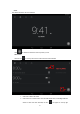
1. Click and enter the Calculator Application.
2. Click and select numbers and symbols to conduct calculation.
3. Click X to eliminate numbers and symbols one by one, and press Clear for a while to
eliminate all numbers and symbols.
9. Downloads
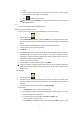
1. Click and activate the Dow n loads Management.
2. View various software programs which have been downloaded at present and select the
software application you want to conduct installation.
10. Clock
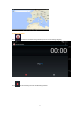
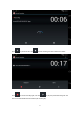
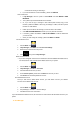
Click and Current Time and Date will be revealed.
1
2
3