
Printer User Manual


116
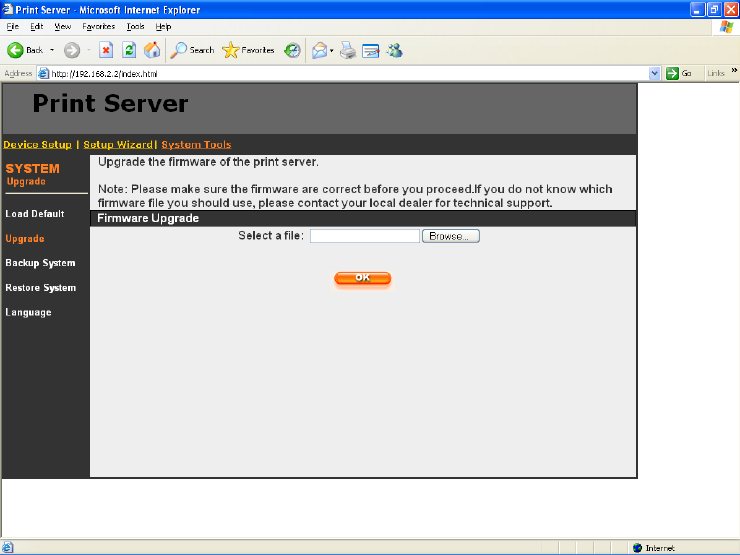
8.5.2 Upgrade
You can upgrade new firmware for this printer server in this page.
Cl ic k “Brows e” to s elect the n ew f ir m war e i n yo u r st ora g e and th en c l ick
“OK” , the f irm war e will be u pd a ted in se v er al m inutes.
Note that before you upgrade the firmware please make sure that the
IP Address settings of the printer server are in the same network as your
computer.
Be aware that if you have started upgrading firmware, you have to
follow all the upgrading steps or the printer server c an ’ t tu r n back to
normal configuration.