
Printer User Manual


143
Enable UPnP in Windows XP SP2
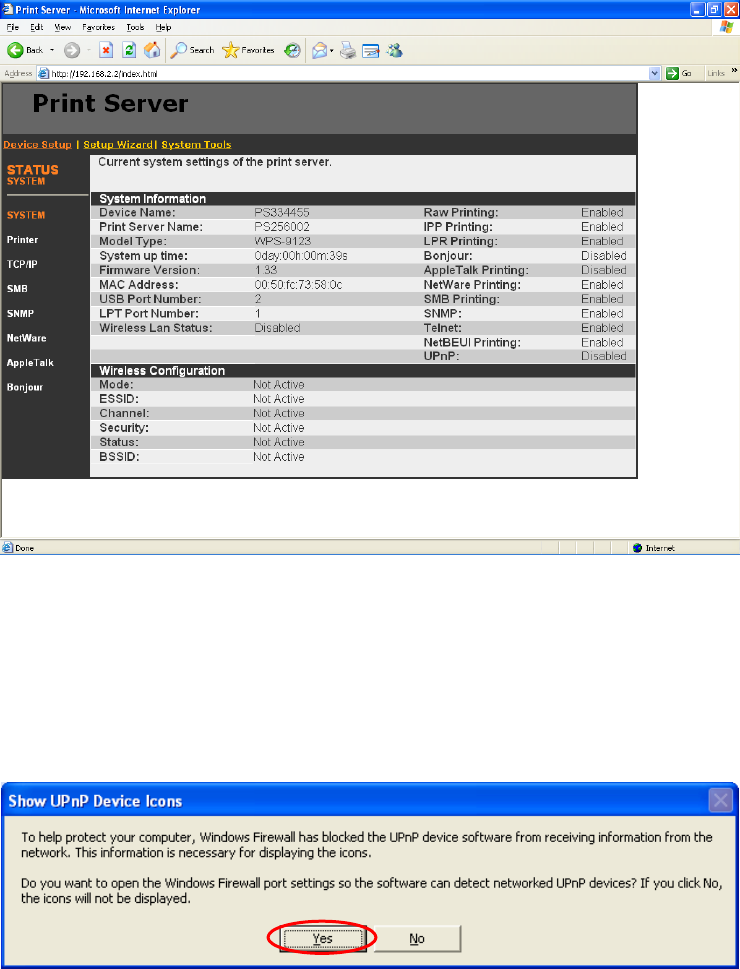
If yo u c an ’t f i nd t he printer server in the Neighborhood of W indows
XP SP2 or you have seen the following message when you double click
the printer server. You have to check if UPnP function is blocked by the
firewall. Please follow the steps below to enable it.
Step1. C lic k “Yes” o n t he abo v e m es sage or c l ick “ Start”, ch o os e
“Settings” a n d s elec t “Net w ork C onnect i ons ” to enable U PnP man u a ll y.
Step2. Right click the “ Loca l Ar e a Conn ect i on” a nd se l ec t
“Pr opert ies” .