
User guide
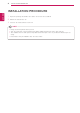
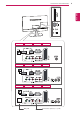
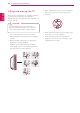
Table Of Contents
- LICENSES
- Installation procedure
- ASSEMBLING AND PREPARING
- WATCHING TV
- MAKING CONNECTIONS
- REMOTE CONTROL
- CUSTOMIZING SETTINGS
- USING THE USER GUIDE
- MAINTENANCE
- TROUBLESHOOTING
- SPECIFICATIONS

ENGLISH
4
INSTALLATION PROCEDURE
INSTALLATION PROCEDURE
1
Open the package and make sure all the accessories are included.
2
Attach the stand to the TV.
3
Connect an external device to the TV.
Image shown may differ from your TV.
Your TV’s OSD (On Screen Display) may differ slightly from that shown in this manual.
The available menus and options may differ from the input source or product model that you are
using.
New features may be added to this TV in the future.
NOTE