
Magnum Router User's Guide

Chapter 6: Logging Onto a Magnum Router
___________________________________________________________________
6-11
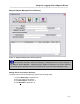
Magnum Router Manager Phone Directory
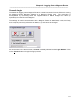
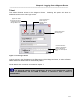
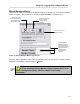
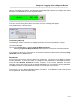
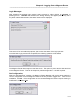
Figure 11 - Magnum Router Phone Directory Screen
Adding Entries in the Phone Directory
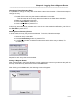
To add an entry in the Phone Directory, perform the following steps:
1. Click on New Entry or press ATL-N
2. Fill in the fields on the screen
3. Click Save Edit or press ALT-V
4. Click Ex
it Edit or press ALT-X
All information entered in the Phone Directory is independent from the other settings o
f
the Magnum Router Manager. Meaning that the COM port selected in the Phone Director
y
can be the same or different from the one selected in the Communications Settings screen.