
User's Manual

User Manual
15
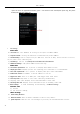
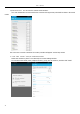
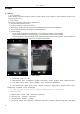
2)Click Search Icons,You c
an enter the contact search interface.
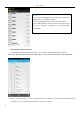
a.To enter the Numbers or letters and the list of names of the agreement, which will be shown in the search
results.
b.If it were not so search to match of the contact, interface will appear 'not find any contact.
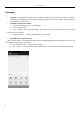
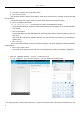
3)Click“Add Contact”Icons,Can create New Contacts
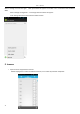
Select save contacts to phone or a a SIM card, into contact editing interface.
You can edit contact head, name, telephone number, group, save to and more, and then click "finish".