
User guide
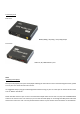
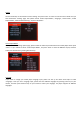
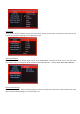
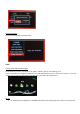
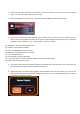


3. After choosing the device, you will see all files show here.
FAQ
Q1: The media player unit does not function, what should I do?
A: It could be that the unit is loading data from the USB / SD/ MMC storage device and it may take a while. However,
if you are sure that the unit does not function, please try to unplug the power adapter and plug it again.
Q2: There is no picture on the screen, what to do?
A: Please check the followings:
1. Please check if the power adaptor is properly connected;
2. Please make sure if the AV or HDMI cable is connected appropriately;
3. Remove the SD/MMC memory card or USB device and then plug in again after the unit turned on normally;
4. If you connect media player to TV with AV Cable, please set TV source(output) as TV/PAL/NTSC(according to the