
User guide
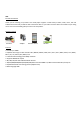
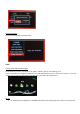

Connection ports
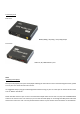
Back View
HDMI (1080p) / AV (576p) / YUV (720p) Output
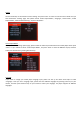
Front View
USB host, SD / MMC Memory card
TWO
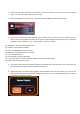
Activating media player
Once you have properly set up the media player following the instructions on the Connection Diagram section, please
turn on your TV to enter the main menu screen.
It is suggested that you plug your USB storage device before turning on your TV so that you can see the function icons
such as “Movie” and “Music”.
Switch the video source of your TV. Your TV comes with multiple video sources such as TV, AV, YUV and HDMI. Please
switch to the correct source. For instance, if you connect the media player to TV through AV Cable please switch the
video source of the TV to “AV”. You may do that with the buttons on your remote control or buttons on the television.