
User guide
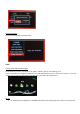

System Information
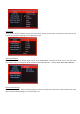
You can see the software information here.
THREE
Getting started with the Media Player
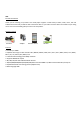
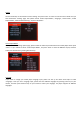
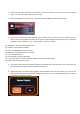
On the main menu screen, you will see “File” “Music” “Movie” ”Picture” and ”Setting” icons
These icons display the categories available on the USB device/Smart Card you inserted for instance, if you click
“Movie” Icon to enter, you will access to the video files in your USB / SD storage device.
Movie
1. You should have your USB device or SD/MMC connected to the media player first in order to access the files;