
User`s manual

PCI Express Board User’s Manual Software Installation
3-38
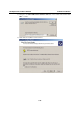
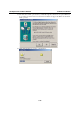
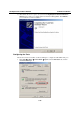
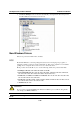
17. After all files have been copied to the system, the Completing the Found New Hardware
Wizard window will open to indicate that it has finished installing Port 0. Click Finish to
proceed with the rest of the installation.
Configuring the Ports
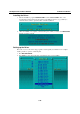
After the driver has been installed, use Device Manager to configure the CP-118EL serial ports.
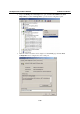
1. Click Start Æ Settings Æ Control Panel Æ System, select the Hardware tab, and then
click Device Manager.