
Manual
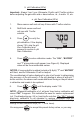

IX. MEMORY
This feature allows up to 100 readings with their temperatures to be
stored simultaneously for later recall. At the same time, the TIME and
DATE are also recorded.
bluDock™
A. Memory Storage
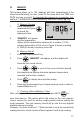
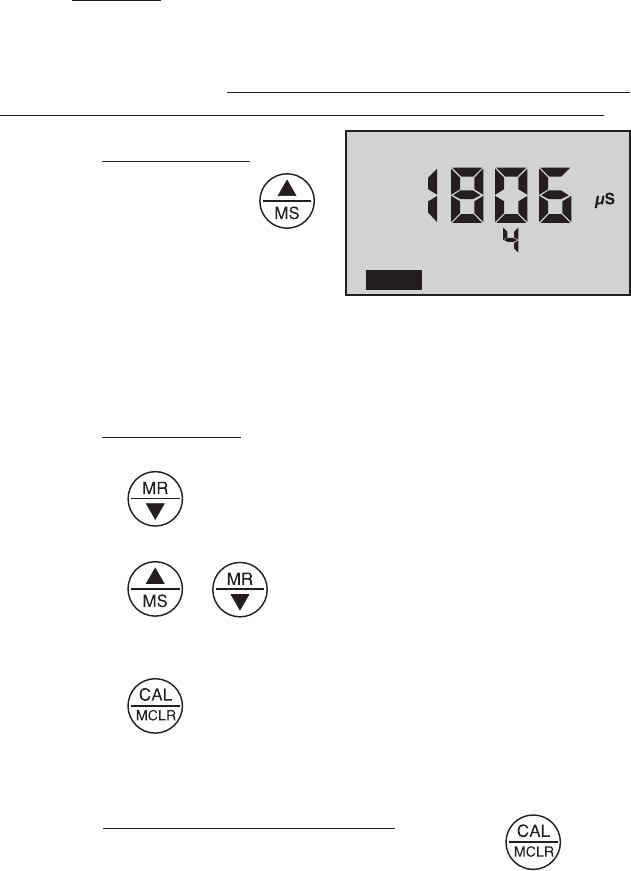
1. While displaying a
measurement, press
to record the
displayed value.
MEMORY” will appear
and the temperature
B.
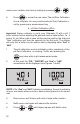
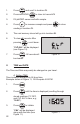
1. Press any measurement key.
, “MEMORY” will appear, and the display will
show the last record stored.
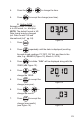
or to scroll to the record location desired
4. Press to display time and date stamp.
automatically turn off.
C.
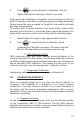
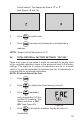
After recalling a certain record location, press and HOLD to
clear that memory. This space will be the place for the next memory
record, unless you scroll to another empty position before ending the
recall sequence. The next memory stored will go into the next highest
available memory location.
Example:
3 and replace it with a pH reading.
Figure 9
°C
KCl
COND
MEMORY