Wireless Broadband Router User Manual
Page 10 of 40
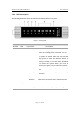
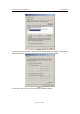
Figure - 8
2.3.1.3 Windows XP
Please follow the steps below to setup your computer:
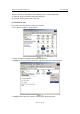
1. Go to Start Æ Settings Æ Control Panel
2. Click Network and Internet Connections
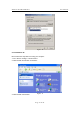
Figure - 9
3. Click Network Connections