
User's Guide


Table Of Contents
- Title page
- Revision history
- Contents
- About the Nortel IP Phone 2004
- Entering and editing text
- Connecting the components
- Configuring options
- Making a call
- Answering a call
- While on an active call
- Incoming calls
- While away from your desk
- Talking with more than one person
- Working without interruption
- Additional call features
- Using AutoDial Transfer
- Using the Buzz signal
- Using Call Page Connect to make an announcement
- Using Centrex/Exchange Line Switchhook Flash
- Charging a call or charging a forced call
- Using Enhanced Override
- Using Forced Camp-on feature
- Overriding a busy signal
- Using Privacy Release
- Using Radio Page
- Using Voice Call
- Additional phone features
- Using Hospitality features
- Accessing External Server Applications
- Flexible Feature Codes (FFCs)
- Accessories
- Terms you should know
- Index
Answering a call
60
Answering a call
Each incoming call causes the telephone to ring, the LCD indicator
beside the line (DN) key to flash, and the Message Indicator lamp to flash.
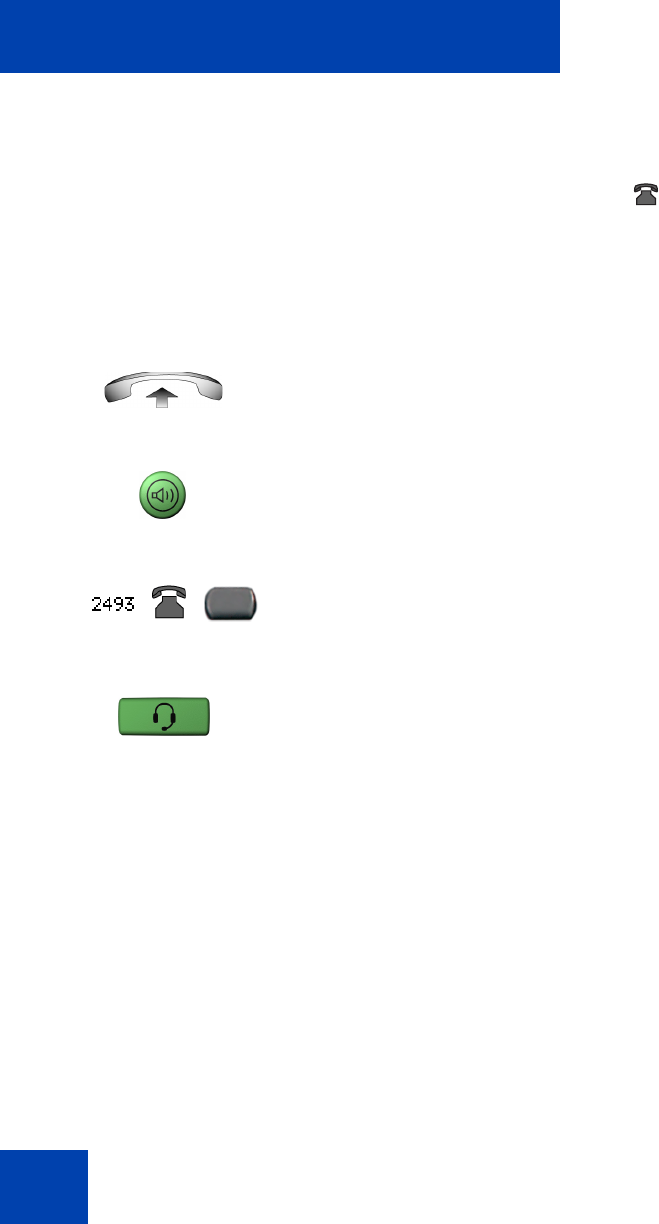
To answer a call:
Choose one of the following four options:
or
•Lift the handset.
or
• Press the Handsfree button located on
the left side of the handset.
or
• Press the line (DN) key beside the LCD
indicator as it flashes.
• Press the Headset key if a headset is
connected to your telephone.