ES3640e MFP Utilities Guide
Print Job Accounting Utility • 115
Printer Status
Changing Menu Settings
Printer Menu
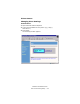
1. Open Microsoft Internet Explorer.
2. Type in the IP address for the printer (e.g., http://
192.168.0.1).
3. Press Enter.
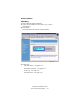
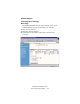
The following window appears.
240p_JA_WebStatus.bmp