
Multi-function Printer User Manual

ES3640e MFP Utilities Guide
Print Job Accounting Utility • 119
Printer Status
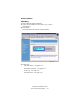
Changing Menu Settings
Web Page
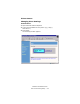
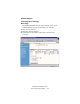
The System Administrator can make changes in the menu
settings directly through the web page. For example:
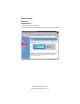
1. Click
Print and Media.
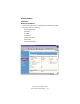
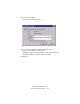
2. Make any changes desired.
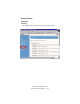
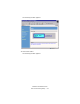
3. Scroll down to the bottom of the screen. Click
Submit
Changes
:
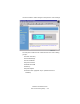
240P_JA_WebPrinterMenu3.bmp