
User's Manual Part 2

118 :: Listening to music
Editing a playlist
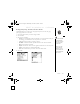
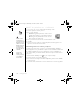
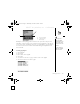
1. Select Playlists.
2. Select the playlist you want to edit.
3. Select Edit.
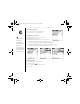
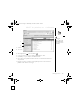
4. Do any of the following:
• To delete a song from the playlist, select the song, and then select Remove.
• To add a song, select Add, check a song’s box, and then select Done.
• To move a song up or down one slot, select a song, and then select the up
or down arrow.
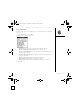
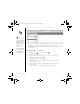
5. Select Done, and then select Done two more times.
CrowAce.book Page 118 Wednesday, November 10, 2004 1:52 PM
DRAFT 1A palmOne, Inc. Confidential