
User guide
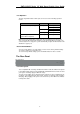
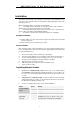
Table Of Contents
SWP-0412G2 Series L2 Web Smart Switch User Guide
Port Operation
The auto-negotiation feature allows ports to run at one of the following operation
modes:
Media Speed Duplex Mode
Full Duplex 10Mbps
Half Duplex
Full Duplex 100Mbps
Half Duplex
10/100/1000Mbps(copper)
1000Mbps Full Duplex
1000Mbps(Fiber)
(mini GBIC required)
1000Mbps Full Duplex
Note: For the interchangeable (combo) ports (the last 4 RJ-45 ports and the fiber
slots), if both the fiber and copper interfaces of an interchangeable pair (combo) are
connected (incorrect set-up), the system automatically accepts the fiber interface and
disables the copper port.
Restore Default Button
You can use this button to reset the switch or restore it to its factory default settings.
To reset the switch, press the button once.
To restore factory default settings, press and hold the button for three seconds.
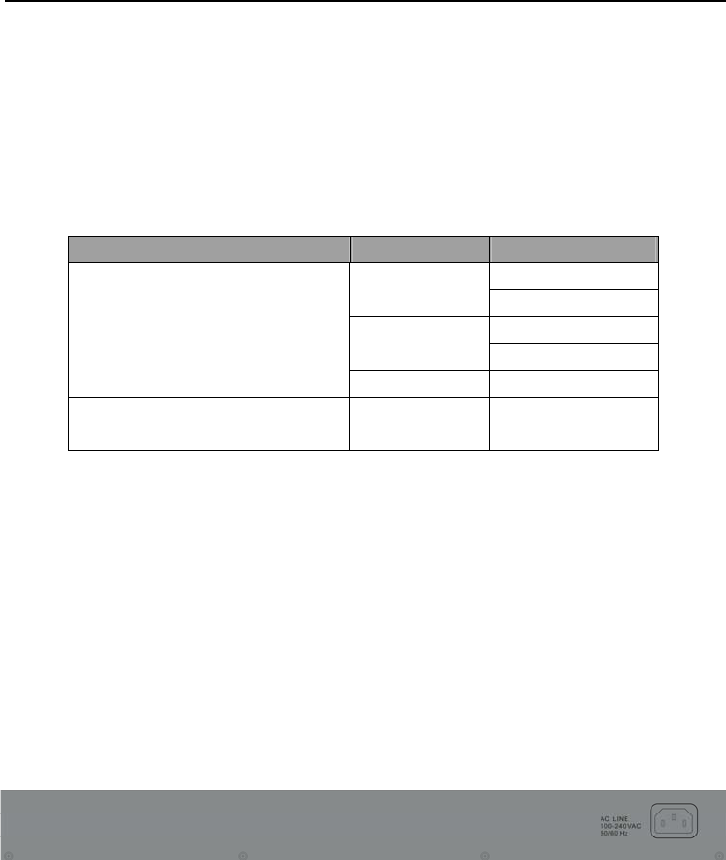
The Rear Panel
The rear panel:
Power Receptacle
To be compatible with electricity standards around the world, the Switch is designed
to work with voltages between 100 and 240V AC and 50/60Hz. Please make sure that
your region’s electricity supply is within this range.
To power on the Switch, please plug the female end of the power cord firmly into the
receptacle of the Switch and the other (male) end into an electricity outlet (usually a
wall plug). After plugging in the power cord, check if the power LED is lit to indicate
normal power status.
6