
User guide

83
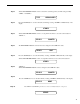
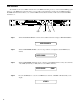
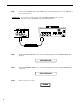
Turn the PARAMETER SELECT control one step further to access the MIDI Transmit Channel status.
Step 5
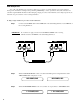
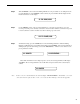
Turn the PARAMETER ADJUST control to select the channel that the Chameleon will transmit a
MIDI program change on. you may select channels 1-16 or OFF (will not transmit a MIDI program
change).
Step 6
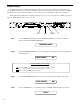
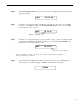
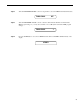
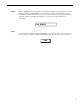
Press the STORE button to save the new MIDI Transmit channel. "STORED" will flash briefly on the
display.
Step 7
TRANS CHANL OFF
TRANS CHANL 1
STORED