
Instruction manual


GB-25
1
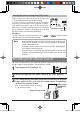
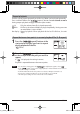
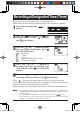
Press the [ ] button during playback.
Playback stops and the current position (time) is displayed.
2
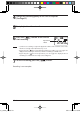
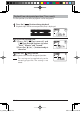
Set the designated time.
1) Press the [
(fast-reverse)] and
[
(fast-forward) buttons to select
"Hour," "Minute," and "Second."
2) Press the
[
] or [ ] button to adjust
the value.
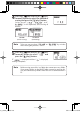
3
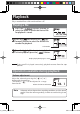
Press the [ (play)] button.
Playback starts from the designated position.
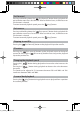
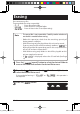
Playback from designated position (Time search)
The start position (start time) of playback can be designated.
Note
This setting can be applied only to the
currently played file. The setting is not
stored.
gap]vkjcb]cl,glbb03 .6,//,06180180/N
K