Laser Printer User's Guide
Manuals
Brands
Sharp Manuals
Printer
DX-B450P
61
62
63
64
65
66
67
68
69
70
5-2
User’
s Guide
Inst
alling the Driv
er
Macintosh Op
erations
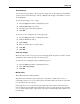
2.
Select
Print & Fax
from the Hardware menu.
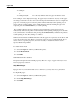
3.
Click + to add the printer
.
4.
Enter a name for the printer
.
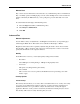
5.
Enter the IP address of the printer in the location field.
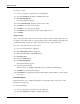
1
...
...
68
69
70
71
72
...
...
146