
User`s manual



Driver Installation
3-1
Chapter 3
Driver Installation
3-1 Driver Installation
This section provides information on how to install the
USB Over IP drivers.
3-1.1 Windows XP
1. Connect the USB Over IP to your network and boot
up Windows.
2. At the Windows desktop insert the driver CD.
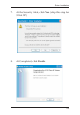
3. Autorun should start the installation, if not, click
Start, then Run. Type D:\Launch.exe then click
OK. (Change D: to match your CD-ROM drive
letter)
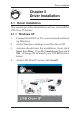
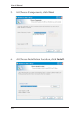
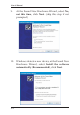
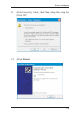
4. At the USB Over IP screen click Install.