
User`s manual

Configuration Utility
4-11
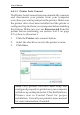
4-4.2.2 Unlock Server and Reset the Password
Whenever the USB Over IP is password protected, it's
Status will be Locked. Follow the steps in the order that
they appear to unlock the server.
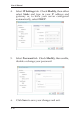
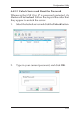
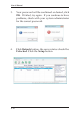
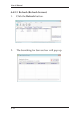
1. Select the locked server and click the Unlock button.
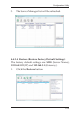
2. Type in your current password, and click OK.