
User's Manual



1-7
Preparation for Machine Operation
1
4. Installation (Incl. Connection and S/W Installation)
Caution
-
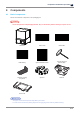
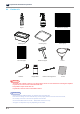
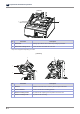
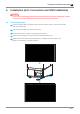
Please remove all packaging materials from inside and outside of the device. Furthermore, open the
orange cover and remove all protective materials and accessories from interior.
4.1 Device Connection
1
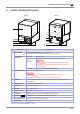
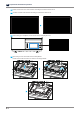
Connect the power cable to the power socket on the rear side of the device, and connect the power
cable to the power outlet.
2
Turn on the power switch on the back of the machine.
3
Press the power button, located on the lower right of the device.
4
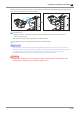
Please set the language to be used according to instructions shown on UI.
5
Adjust the level of the device with enclosed spinner according to instructions shown on UI.
(Refer to “Level Printer of 2. UI Menu Function”)