
User's Manual



Preparation for Machine Operation
1-10
1
4.2 S/W Installation
1
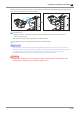
Start the S/W installation by clicking on “3DWOX Desktop.exe” file in the enclosed USB flash drive.
2
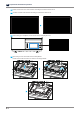
Install the additional files required by the software list.
3
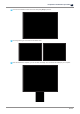
When installation of the additional files is done, a pop-up window shows up as the picture below.
Press
[Next]
button to start the installation of A Desktop Program.