1-11
Preparation for Machine Operation
1
4
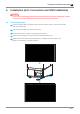
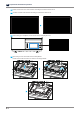
Choose the destination location of the files and press
[Next]
to proceed.
5
All configurations get saved and the installation starts.
6
After all installation is complete, you can see that “A Desktop” icon created on the desktop of your computer.