
User's Manual





UI Menu Function
2-18
2
9
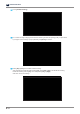
Check the gap of the platform and the resin tank using enclosed gap gauge.
The gap of all 4 corners as shown in instruction of UI needs to be checked. If gap gauge is inserted into any
corners, it would mean platform is not leveled well. Press [Restart Platform Leveling] to perform the platform
leveling process again.
If gap checking is OK, press [Next].
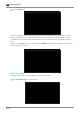
10
The platform moves up. When the screen indicates that the raising is complete, press
[Next]
.
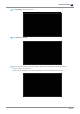
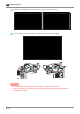
11
Check if the screws are fully tightened, and then press
[Finish]
.