
User's Manual


2-21
UI Menu Function
2
3
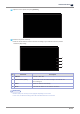
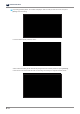
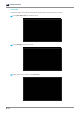
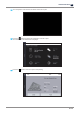
Swipe up the screen, and then select
[Level Printer]
.
4
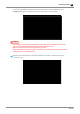
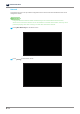
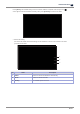
The screen shows the leveling state of the printer.
The leveling state screen shows the level of the machine with a circular level, which is commonly
found in a washing machine. The circular level shows the level state with a bubble.
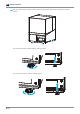
Level the printer so that the orange circle of level is centered.
Circular level