
User's Manual


2-23
UI Menu Function
2
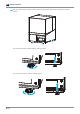
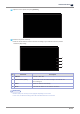
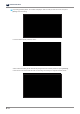
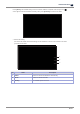
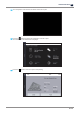
Level it so that the bubble is centered in the level and turns green. Once the bubble turns green,
the [Done] button will be activated so that the leveling procedure can be completed.
Caution
-
If the leveling screws are turned clockwise too much, they may be removed from the printer.
To prevent this, turn them counterclockwise to lower any higher corner.
-
Make sure that the four leveling screws touch the ground.
If any of them does not touch the ground, the printer may suddenly move during the operation,
resulting in noise or overflowing resin.
6
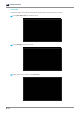
With the screen indicating that the level printer procedure is complete, it will automatically return
to the home screen.