
User's Manual


2-25
UI Menu Function
2
3
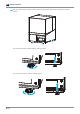
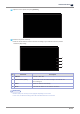
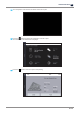
Swipe the screen upward, and press
[Network]
.
4
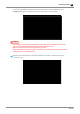
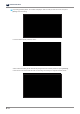
Network setup screen shows up.
Enable to choose wireless or wired connection according to your network connection provider.
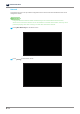
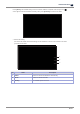
Wireless (Wifi) Setting
1
2
3
4
No. Part Name Description
1 ON/OFF Turn ON or OFF Wifi.
2 Network Name (SSID) Select SSID or enter the name manually if can’t find the one
you’re looking for.
3 DHCP Allocate IP address automatically.
4 Static Enter static IP address to use static IP connection.
Reference
-
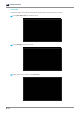
Wireless (Wifi) Lan card may not be equipped depending on the model.
In this case, the Wireless Setting button will be disabled and won’t be selected.