
User's Manual


UI Menu Function
2-26
2
5
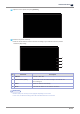
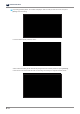
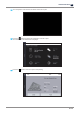
As pressing [Network] button, list of SSIDs is displayed. Select a SSID you want to connect, and press
[Save] to store the setting.
If selected SSID requires password, enter it.
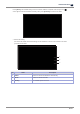
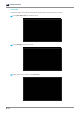
Select DHCP if the SSID gets IP automatically assigned from the network provider. As press [Connect],
it will connect to the internet with the SSID. If connecting successfully, the assigned IP will be shown.