UI Menu Function
2-28
2
Test Print
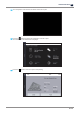
This function allows users to print a sample model already saved in the internal memory of printer.
1
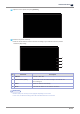
Press
[Slide Menu Bar]
from the Home screen.
2
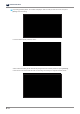
Press
[Setting]
from the Menu screen.
3
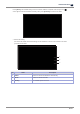
Swipe up the screen, and then select
[Test Print]
.