
Users Manual


UI Menu Function
2-44
2
1.6 Quick Guide
It shows a brief description for each feature.
1
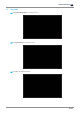
Press
[Slide Menu Bar]
from the Home screen.
2
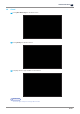
Press
[Quick Guide]
from the Menu screen.
3
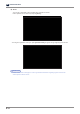
Select a function that needs to be explained.
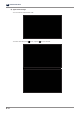
If there are several pages, press the [Previous] or [Next] button to move to the previous or next page.