
Users Manual





3-5
Printing
3
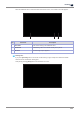
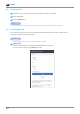
After all the procedures are completed, press [Done] to start printing.
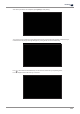
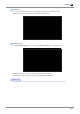
You can find a pop-up message saying USB should not be removed during file transfer. If USB memory is
removed before the pop-up message disappears, printing will be canceled automatically.
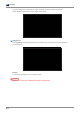
Icon ( ), which means that USB memory can be removed, will show up, and printing starts.
Icon will disappear after USB memory is removed.