
Users Manual




3-9
Printing
3
2
Initial Screen
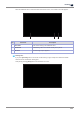
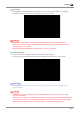
If you login Cloud Monitoring service very first time, the initial screen as follows is shown.
Adding a new printer is required because no printer is registered yet.
3
Generation Code
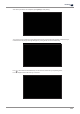
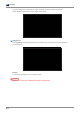
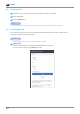
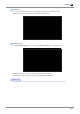
Go to [Cloud Monitoring] of UI menu, and press [Generate Code] to get a registration code.
Generated code should be used in 600 seconds, otherwise it will be void.
New registration code will be generated if you press [Generate Code] again.
Reference
-
For details of entering Cloud Monitoring of UI menu, refer to “Cloud of Chapter.2 UI Menu Function”