
A350 - Troubleshooting-Guide

10
|
Hardware
3D Printing
3DPrinting ModuleIsn't Detected
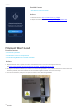
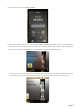
Ifyou turn on the machine, and the Touchscreen displays an error messageSnapmaker tech-team, thenit might
be that the 3D Printing Module isnot detected by the machine.
Possible Causes
• The toolhead cableis broken.
• The Linear Module or the Controller is broken.
• The 3D Printing Module is broken.
Actions
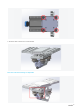
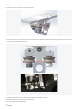
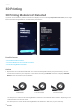
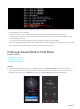
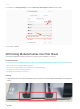
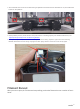
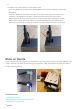
1. Replace the current toolhead cable with one of the interchangeable cables (see picture below).Use it to
connect the machine to your computer. In the Luban console, inputM1999and see if it displays3DPRINT
Modulein the second line from the bottom.
- If it does, then it means the 3D Printing Module is detected.The toolhead cable is broken. Replacing a new
toolhead cable can solve the issue.
-If it doesn't, thenit means the 3D Printing Module isn't detected. In that case, try the next step.
Z Conversion CableY Conversion Cable
Toolhead Cable