
A350 - Troubleshooting-Guide

14
|
Hardware
Possible Causes
• The filament switch is broken.
Actions
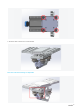
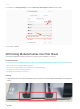
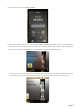
1. Remove the fan:
https://youtu.be/e2L_Y_HZGgA.
2. Adjust the filament switch:https://youtu.be/_KAQvMNoJUQ.
Filament Won'tLoad
Possible Causes
• The nozzle is jammed.
• The filament is bent or compromised.
• The 3D Printing Module or Controller is broken.
Actions
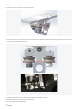
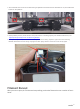
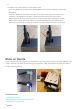
1. Replace thehot end. A spare hot end is includedin the box.For how to change the hot end,
seehttps://drive.google.com/file/d/16lLntfp-3V-j48pP_-aeRtADg49mSnek/view.
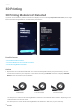
2. Straighten the filament before you insert it into the Printing Module. Or try a different filament. If this does not
solve the problem, then the toolhead or the Controller might be broken. Go to the next step.
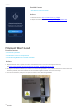
3. Turn on the machine, and press to open the latchon the 3D Printing Module.