
A350 - Troubleshooting-Guide

|
29
Laser Module Doesn't Emit Laser
Possible Causes
• The laser is disabled.
• The Controller is broken.
Actions
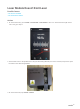
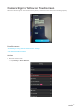
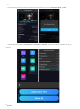
1. On the Touchscreen, go toControl >Laser Power>Laser Statusto turn it on.See if blue laser light comes
out.If not, go to step 2.
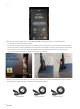
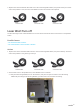
2. Find out which one is the problem first. Get your 3D Printing Module, turn on the machine, and press to open
the latch on the 3D Printing Module.
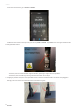
3. On the Touchscreen, tapControl>Nozzle.