
A350 - Troubleshooting-Guide

34
|
Hardware
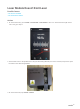
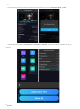
2.2 On the Touchscreen, go to Control>Nozzle.
2.3Waitfor the nozzle to heat up until you cantapLoadorUnload. TapLoadto see if the gear inside the 3D
Printing Modulerotates.
- If it does,then the Laser Module might be broken, replacing it might solve the problem.
- If it doesn't, then somethingis wrong with the Controller.Go to step 3.
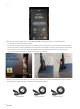
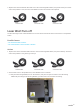
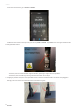
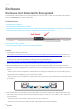
3. Judging bysimilar cases, the most possible reason is that thetoolhead cable connector wasplugged in
wrongly.This can cause the toolhead and the Controller to ignite.