
User Manual

Page 51GX1600
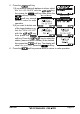
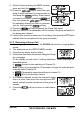
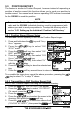
5. Press the soft key.
1) If you want to delete all stations at a time, select
the “ALL LOG DELETE” with the / key,
then press the soft key, then press the
soft key. Press the
soft key several
times to return to radio
operation.
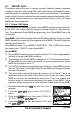
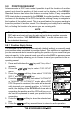
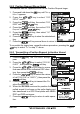
2) If you want to delete one
of the logged stations, se-
lect the “VIEW LOG LIST”
with the / key,
then press the
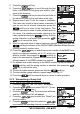
soft key. Press the / key to select the
station (name or MMSI number) to be deleted,
then press the soft key. The display will
show “Are your sure?” press the soft key.
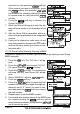
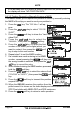
6. Press the soft key several times to return to radio operation.
“VIEW LOG LIST”“ALL LOG DELETE”