
User Manual

GX1600Page 62
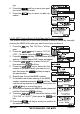
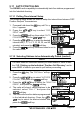
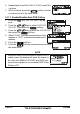
11. Press the soft key to return to radio operation.
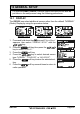
9.9.3 Receiving a DSC Position Report Call
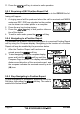
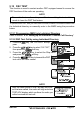
When another vessel transmits their vessels location to the GX1600 the fol-
lowing will happen:
1. A ringing sound will be produced when the call is received and NMEA
sentences DSC, DSE are outputted so the position
can be shown on a chart plotter or a computer.
2. Press the any key to stop ringing.
3. Press the / key to see position informa-
tion of the station.
4. To exit to radio mode, press the soft key.
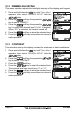
9.9.4 Navigating to a Position Report
The GX1600 has a feature that allows navigation to a received Position Report
call by using the Compass display. Navigating to the location of a Position
Report call may be enabled by the procedure below.
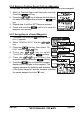
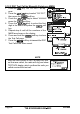
1. After the Position Report call has been re-
ceived: press the soft key.
2. To start navigating using the compass display,
press and hold the soft key until the
Compass Page is shown. The display indicates the
distance and direction of the received vessel, and
the compass indicates the received vessel by a dot
(
)
icon.
9.9.5 Stop Navigating to Position Report
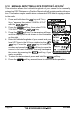
To stop navigating to a waypoint, press the one of the
Soft keys, then press the soft key. The radio is
switched to Normal Mode.