
User Manual

GX1600Page 66
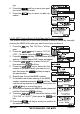
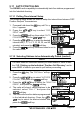
6. Repeat steps 4 and 5 for CALL 2, CALL 3 and CALL
4 entries.
7. When finished, press the soft key numer-
ous times to exit to the radio mode.
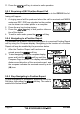
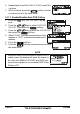
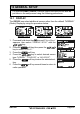
9.11.3 Enable/Disable Auto POS Polling
1. Press the key. The “DSC Menu” will ap-
pear.
2. Press the / key to select “AUTO POS
POLLING”, then press the soft key.
3. Press the / key to select the “ACTIVATION”,
then press the soft key.
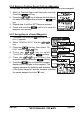
4. Select “START” to enable transmissions to the
stations or “STOP” to disable transmissions to
stations.
5. Press the soft key.
6. Press the soft key numerous times to exit to
the radio mode.
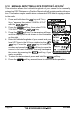
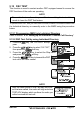
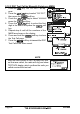
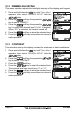
NOTE
When the radio receives position reports from a
called vessel the display will show the image to
the right also NMEA 0183 DSC and DSE sen-
tences are outputted to a connected GPS Chart
Plotter or PC.