
User Manual

GX1600Page 68
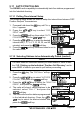
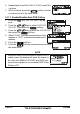
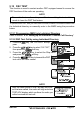
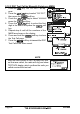
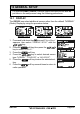
9.12.3 DSC Test Call by Manually Entering a MMSI
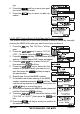
1. Press the key. The “DSC Menu” will ap-
pear.
2. Press the / key to select “DSC TEST”,
then press the soft key.
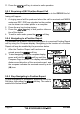
3. Press the / key to select “MANUAL” and
press the soft key.
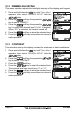
4. Press the / key to select the first
digit in the MMSI and press the soft
key.
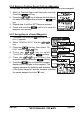
5. Repeat step 4 until all the numbers of the
MMSI are shown on the display.
6. Press and hold the soft key to show
the Test Call page.
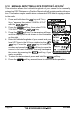
7. Press the soft key to transmit the DSC
Test Call to the other vessel.
NOTE
After the radio receive a Test Call reply from ves-
sel that was called, the radio will ring and show
TEST ACK display, which confirms the radio you
called received the test call.