
User Manual

Page 69GX1600
10 GENERAL SETUP
The optional RAM3
(
CMP30
)
Remote Station Microphone can also ad-
just items in the setup menu using the following procedures.
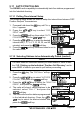
10.1 DISPLAY
The GX1600 can select additional screens other than the default “NORMAL”
(Radio) Display by using the procedure below.
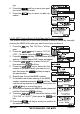
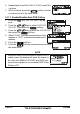
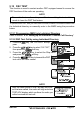
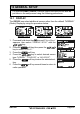
“NORMAL” DISPLAY “COMPASS” DISPLAY
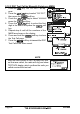
1. Press and hold down the key until “Setup Menu”
appears, then select “GENERAL SETUP” with the
/ key.
2. Press the soft key, then press the /
key to select “DISPLAY”.
3. Press the soft key.
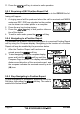
4. Press the / key to select desired screen
type “NORMAL”, “COMPASS”, or “WAYPOINT”.
5. Press the
soft key to store the selected set-
ting.
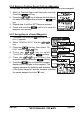
6. Press the soft key several times to return to
radio operation.
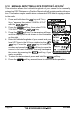
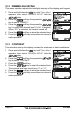
“WAYPOINT” DISPLAY