
User Manual



Page 77GX1600
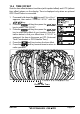
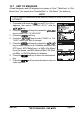
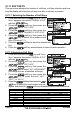
6. Repeat steps 4 and 5 to program the other soft keys. The factory defaults
are Key 1: , Key 2: , and Key 3: function.
7. Press the soft key to store the selected setting.
8. Press the soft key several times to return to radio operation.
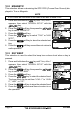
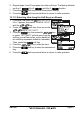
10.11.3 Selecting How Long the Soft Keys are Shown
1. Press and hold down the key until “Setup
Menu” appears, then select “GENERAL SETUP”
with the / key.
2. Press the soft key, then press the
/ key to “SOFT KEYS”.
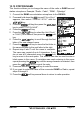
3. Press the key, then press the / key
to select “KEY TIMER” (selects how long the
soft key icon will be shown on the display af-
ter a soft key is pressed, default is 4 seconds).
Then, press the soft key.
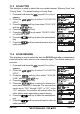
4. Press the / key to select the time.
5. Press the soft key to store the selected set-
ting.
6. Press the soft key several times to return to radio operation.